


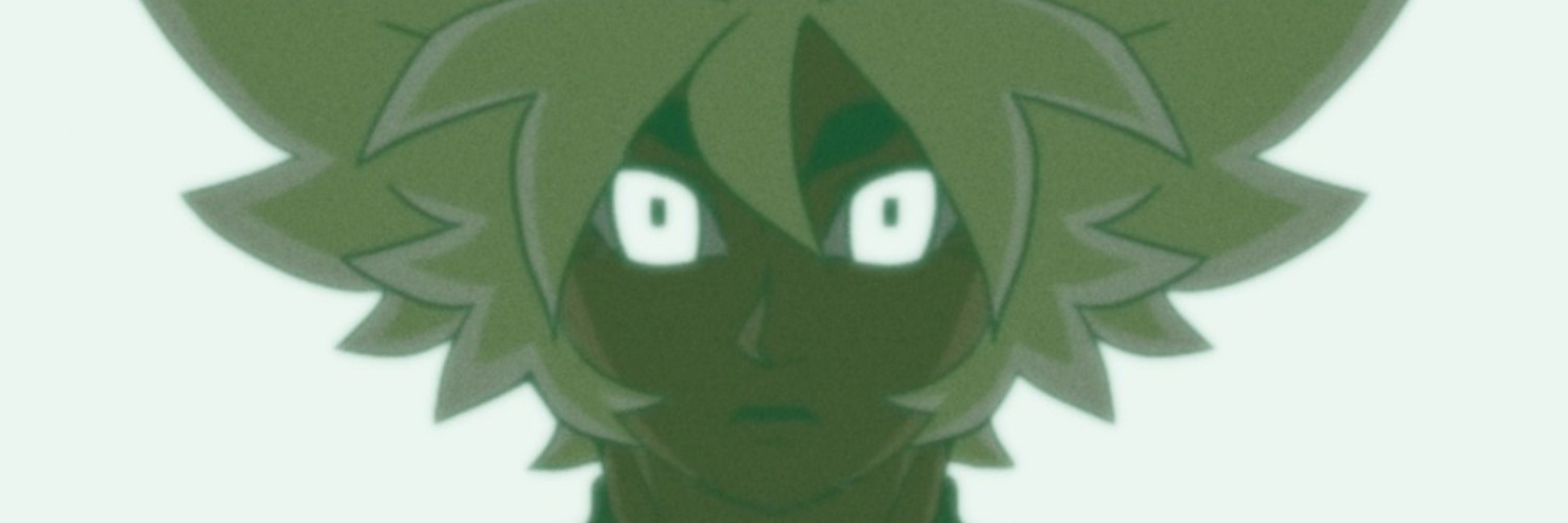


March 15, 2025 at 3:34 AM
(9/9)
Add in some other objects and image texture planes to your liking, then once that's all done, set your camera up by selecting it, going to its data properties and setting it as "Orthographic", make sure it's properly framing your lightbox and images then Voila!
Add in some other objects and image texture planes to your liking, then once that's all done, set your camera up by selecting it, going to its data properties and setting it as "Orthographic", make sure it's properly framing your lightbox and images then Voila!


November 17, 2024 at 10:35 PM
(9/9)
Add in some other objects and image texture planes to your liking, then once that's all done, set your camera up by selecting it, going to its data properties and setting it as "Orthographic", make sure it's properly framing your lightbox and images then Voila!
Add in some other objects and image texture planes to your liking, then once that's all done, set your camera up by selecting it, going to its data properties and setting it as "Orthographic", make sure it's properly framing your lightbox and images then Voila!
(8/9)
Once enabled, your image should look a little something like this in Render Preview.
To add in more lights or to have different colors, you can duplicate your lightbox, resize it appropriately on the canvas to your liking and have multiple light sources.
Once enabled, your image should look a little something like this in Render Preview.
To add in more lights or to have different colors, you can duplicate your lightbox, resize it appropriately on the canvas to your liking and have multiple light sources.


November 17, 2024 at 10:35 PM
(8/9)
Once enabled, your image should look a little something like this in Render Preview.
To add in more lights or to have different colors, you can duplicate your lightbox, resize it appropriately on the canvas to your liking and have multiple light sources.
Once enabled, your image should look a little something like this in Render Preview.
To add in more lights or to have different colors, you can duplicate your lightbox, resize it appropriately on the canvas to your liking and have multiple light sources.
(7/9)
Your image might look a little something like this at first. To fix this, go to Material Properties again, scroll down until you see Settings, then have the Blend Mode be Alpha Blend.
Your image might look a little something like this at first. To fix this, go to Material Properties again, scroll down until you see Settings, then have the Blend Mode be Alpha Blend.


November 17, 2024 at 10:35 PM
(7/9)
Your image might look a little something like this at first. To fix this, go to Material Properties again, scroll down until you see Settings, then have the Blend Mode be Alpha Blend.
Your image might look a little something like this at first. To fix this, go to Material Properties again, scroll down until you see Settings, then have the Blend Mode be Alpha Blend.
(6/9)
Once you have the dimensions for your light table set up, you can go ahead and duplicate your plane by Ctrl + C then V. Slightly raise the plane you want to be your image up on the Z axis.
Then go to Shader Editor, Press Shift + A, type in Image Texture and connect the nodes as shown:
Once you have the dimensions for your light table set up, you can go ahead and duplicate your plane by Ctrl + C then V. Slightly raise the plane you want to be your image up on the Z axis.
Then go to Shader Editor, Press Shift + A, type in Image Texture and connect the nodes as shown:

November 17, 2024 at 10:35 PM
(6/9)
Once you have the dimensions for your light table set up, you can go ahead and duplicate your plane by Ctrl + C then V. Slightly raise the plane you want to be your image up on the Z axis.
Then go to Shader Editor, Press Shift + A, type in Image Texture and connect the nodes as shown:
Once you have the dimensions for your light table set up, you can go ahead and duplicate your plane by Ctrl + C then V. Slightly raise the plane you want to be your image up on the Z axis.
Then go to Shader Editor, Press Shift + A, type in Image Texture and connect the nodes as shown:
(5/9)
When it's all said and done, your plane should glow like pic related. This is going to be your "Light Box". Size your plane appropriately for the image using scale (S on keyboard). For example, my image is 1080 x 1920. I want my lightbox to be as large as that (or larger) for the background.
When it's all said and done, your plane should glow like pic related. This is going to be your "Light Box". Size your plane appropriately for the image using scale (S on keyboard). For example, my image is 1080 x 1920. I want my lightbox to be as large as that (or larger) for the background.


November 17, 2024 at 10:35 PM
(5/9)
When it's all said and done, your plane should glow like pic related. This is going to be your "Light Box". Size your plane appropriately for the image using scale (S on keyboard). For example, my image is 1080 x 1920. I want my lightbox to be as large as that (or larger) for the background.
When it's all said and done, your plane should glow like pic related. This is going to be your "Light Box". Size your plane appropriately for the image using scale (S on keyboard). For example, my image is 1080 x 1920. I want my lightbox to be as large as that (or larger) for the background.
(4/9)
Once you've created the material, check if "Use Nodes" is enabled. This should come up as blue for you, but if it doesn't, simply click on it and enable it.
Then, go down to Emissions, and modify the strength and color to your liking. Use "Material Preview" (see: Third Image) to preview.
Once you've created the material, check if "Use Nodes" is enabled. This should come up as blue for you, but if it doesn't, simply click on it and enable it.
Then, go down to Emissions, and modify the strength and color to your liking. Use "Material Preview" (see: Third Image) to preview.


November 17, 2024 at 10:35 PM
(4/9)
Once you've created the material, check if "Use Nodes" is enabled. This should come up as blue for you, but if it doesn't, simply click on it and enable it.
Then, go down to Emissions, and modify the strength and color to your liking. Use "Material Preview" (see: Third Image) to preview.
Once you've created the material, check if "Use Nodes" is enabled. This should come up as blue for you, but if it doesn't, simply click on it and enable it.
Then, go down to Emissions, and modify the strength and color to your liking. Use "Material Preview" (see: Third Image) to preview.
(3/9)
Then, using Blender, you'll want to create your simulated lightbox worktable. Delete the cube and light, go to Add, Mesh, then Plane. Then, go to your editor tab on the right, find Material Properties (Red and Black Ball) and press "New".
This should create a new material for you.
Then, using Blender, you'll want to create your simulated lightbox worktable. Delete the cube and light, go to Add, Mesh, then Plane. Then, go to your editor tab on the right, find Material Properties (Red and Black Ball) and press "New".
This should create a new material for you.


November 17, 2024 at 10:35 PM
(3/9)
Then, using Blender, you'll want to create your simulated lightbox worktable. Delete the cube and light, go to Add, Mesh, then Plane. Then, go to your editor tab on the right, find Material Properties (Red and Black Ball) and press "New".
This should create a new material for you.
Then, using Blender, you'll want to create your simulated lightbox worktable. Delete the cube and light, go to Add, Mesh, then Plane. Then, go to your editor tab on the right, find Material Properties (Red and Black Ball) and press "New".
This should create a new material for you.
(2/9)
In order to simulate this, create your image with a transparent background/element. This can include light passing through a character or object, for basic special effect.
I'll be using this image as an example; the whited out parts are the parts I'll be making transparent.
In order to simulate this, create your image with a transparent background/element. This can include light passing through a character or object, for basic special effect.
I'll be using this image as an example; the whited out parts are the parts I'll be making transparent.

November 17, 2024 at 10:35 PM
(2/9)
In order to simulate this, create your image with a transparent background/element. This can include light passing through a character or object, for basic special effect.
I'll be using this image as an example; the whited out parts are the parts I'll be making transparent.
In order to simulate this, create your image with a transparent background/element. This can include light passing through a character or object, for basic special effect.
I'll be using this image as an example; the whited out parts are the parts I'll be making transparent.
How to recreate/simulate Light Diffusion
Q: What is "Light Diffusion"?
A: Light Diffusion is the process by which light scatters into different directions when it interacts with a medium or material. It's what creates this glow effect in traditional animation cels seen here.
(1/9)
Q: What is "Light Diffusion"?
A: Light Diffusion is the process by which light scatters into different directions when it interacts with a medium or material. It's what creates this glow effect in traditional animation cels seen here.
(1/9)


November 17, 2024 at 10:35 PM
How to recreate/simulate Light Diffusion
Q: What is "Light Diffusion"?
A: Light Diffusion is the process by which light scatters into different directions when it interacts with a medium or material. It's what creates this glow effect in traditional animation cels seen here.
(1/9)
Q: What is "Light Diffusion"?
A: Light Diffusion is the process by which light scatters into different directions when it interacts with a medium or material. It's what creates this glow effect in traditional animation cels seen here.
(1/9)


November 16, 2024 at 7:01 PM


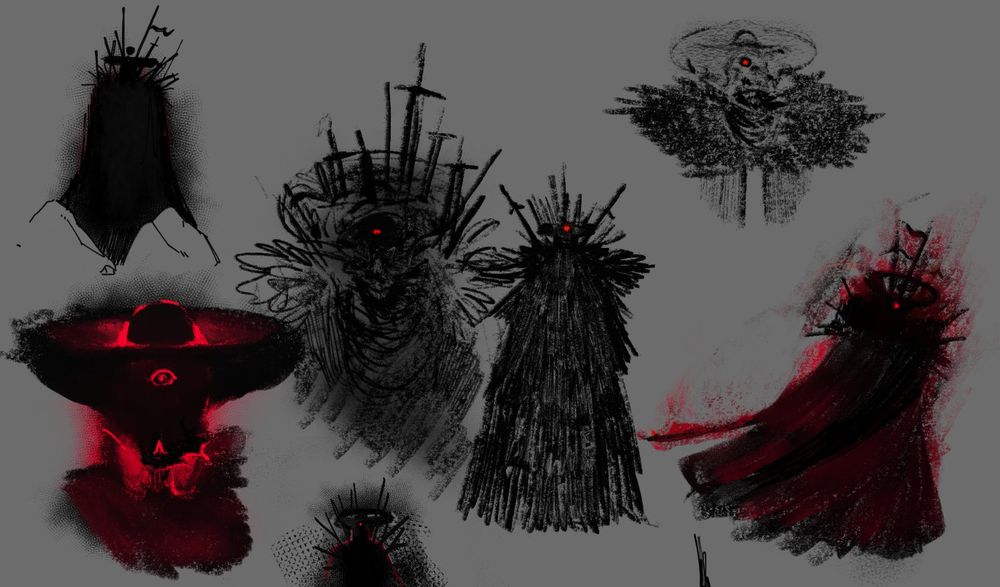
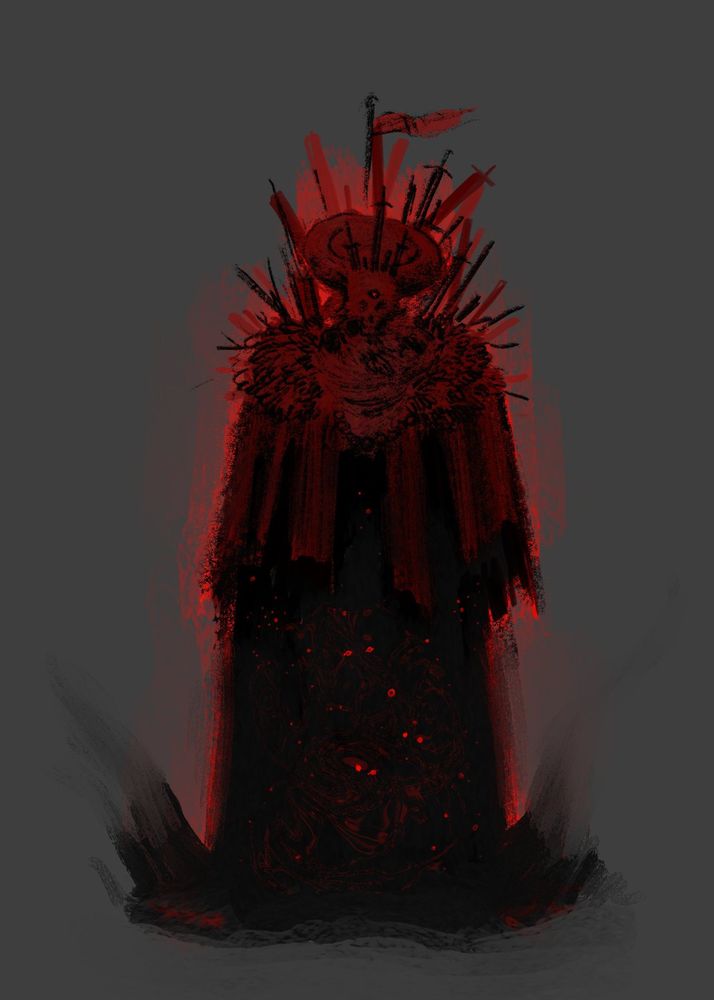
Looking at my art from 2016 yeah maybe I don't want that shit up on here maybe I really did only get good at art within the last like 2 or 3 years LOL but then at the same time I kinda cooked with this and this was from like 2019

October 21, 2024 at 4:58 AM
Looking at my art from 2016 yeah maybe I don't want that shit up on here maybe I really did only get good at art within the last like 2 or 3 years LOL but then at the same time I kinda cooked with this and this was from like 2019


