


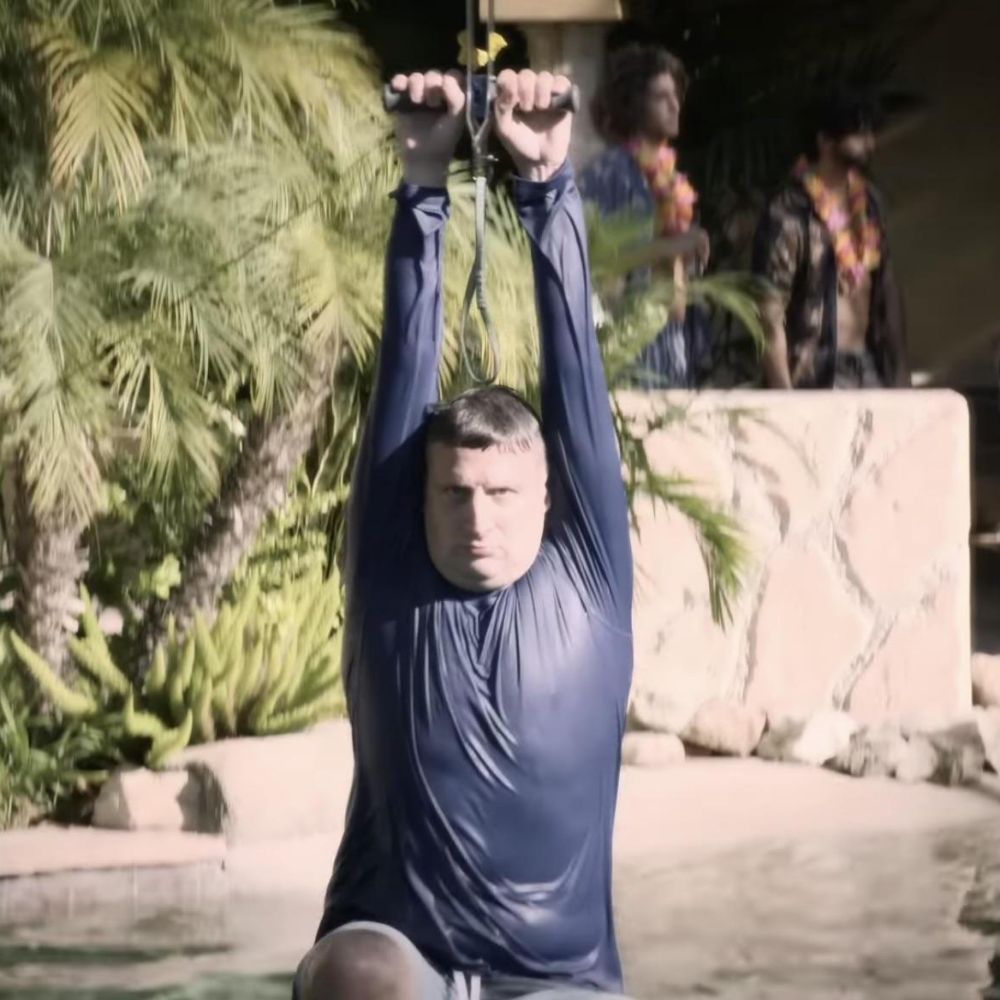
NIL student: You give you money, I play for your school.
Troy Aikman: And you never say thank you!
NIL student: That's what the games were for!
Troy Aikman: And you never say thank you!
NIL student: That's what the games were for!

December 13, 2025 at 8:00 PM
NIL student: You give you money, I play for your school.
Troy Aikman: And you never say thank you!
NIL student: That's what the games were for!
Troy Aikman: And you never say thank you!
NIL student: That's what the games were for!
Eh, can't suck THAT much

December 13, 2025 at 6:11 PM
Eh, can't suck THAT much
Don't forget a talented musician too. All time triple threat.

December 12, 2025 at 10:28 PM
Don't forget a talented musician too. All time triple threat.
Ed walking in to the studio...

December 11, 2025 at 6:17 PM
Ed walking in to the studio...


Good morning Bears fans

December 7, 2025 at 1:00 PM
Good morning Bears fans

"Your cloudflare is experiencing technical difficulties. Do not attempt sexual relations as years of cloudflare radiation have left your genitals withered & useless."

November 18, 2025 at 2:05 PM
"Your cloudflare is experiencing technical difficulties. Do not attempt sexual relations as years of cloudflare radiation have left your genitals withered & useless."

Curmudgeonly, bereaved middle-aged lesbian best-selling authors are having the...

November 14, 2025 at 3:09 AM
Curmudgeonly, bereaved middle-aged lesbian best-selling authors are having the...


That's Pig Pen from Out Cold

October 15, 2025 at 7:30 PM
That's Pig Pen from Out Cold


There's only one lawyer qualified to weigh-in on Clemson law

September 16, 2025 at 2:36 PM
There's only one lawyer qualified to weigh-in on Clemson law
You're gonna be walking around like Frank Costanza in the Korean nail salon

September 9, 2025 at 5:31 PM
You're gonna be walking around like Frank Costanza in the Korean nail salon
