


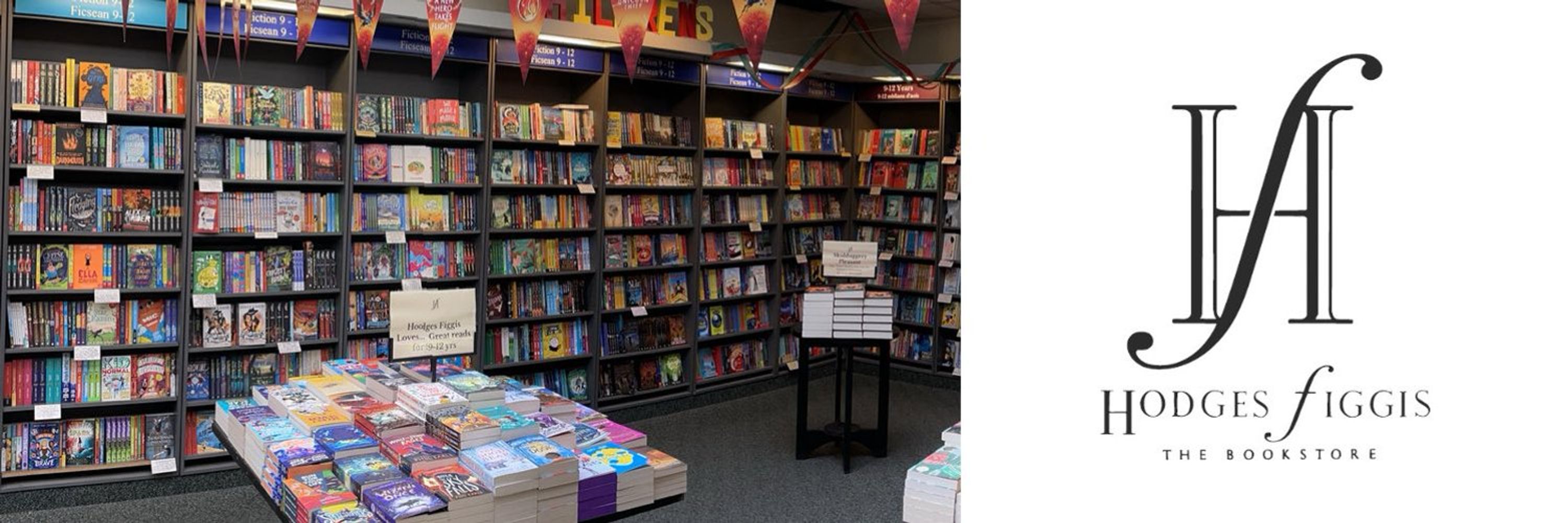
Hodges Figgis Dublin
@hodgesfiggis.bsky.social
Ireland's oldest bookstore, established 1768.
Follow us here to keep up with the day to day going-ons within the shop, our newest store features, as well as projects and news of the greater book community.
Follow us here to keep up with the day to day going-ons within the shop, our newest store features, as well as projects and news of the greater book community.
No videos yet.